
AI triage for production errors, logs, and incidents.
Squasher turns errors, logs, traces, replay, releases, and ownership signals into a reviewed incident summary with likely cause and next debugging steps.
- 01Detect
- 02Correlate
- 03Diagnose
- 04Verify
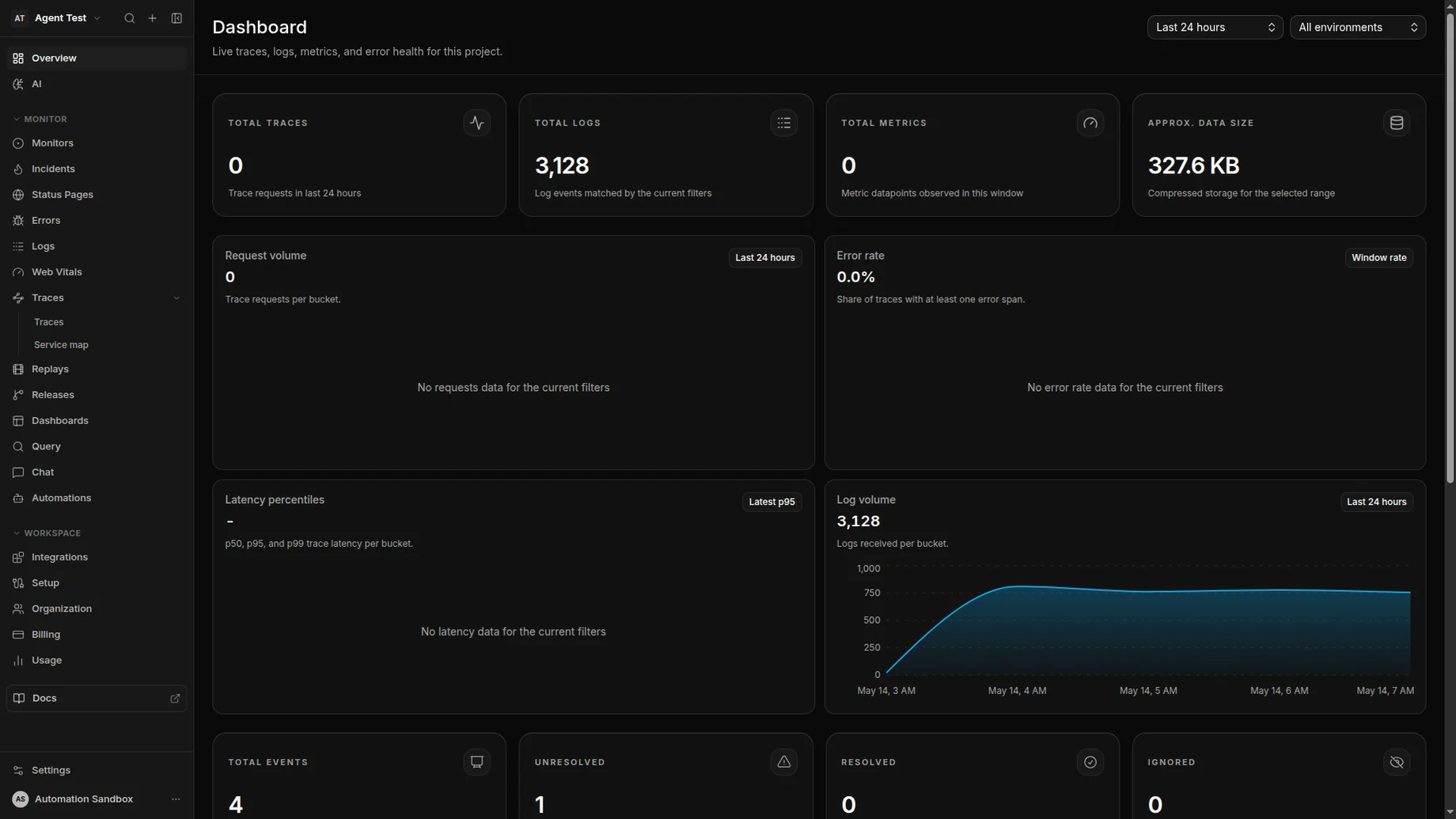
AI triage assembles release context, ownership, and a likely root cause the moment a new error group lands.
Scope
AI triage is not the same as broad LLM observability.
AI triage helps responders debug production software failures. Model and agent telemetry has a separate AI observability workflow, while consequential changes stay reviewable.
Squasher analyzes grouped errors, stack traces, logs, traces, replay context, releases, environments, and ownership signals.
This page does not target LLM observability, prompt evaluation, model monitoring, or agent trace analytics as the primary search intent.
The output stays grounded in source telemetry and expects responder review before production behavior changes.
Workflow
From raw telemetry to a responder-ready incident summary.
AI triage works best when the incident record already contains the evidence engineers would otherwise gather by hand.
Collect the incident evidence
Bring errors, logs, traces, replay, release metadata, source maps, and environment tags into one project timeline.
Summarize impact
Turn noisy failure records into affected surfaces, severity cues, first-seen timing, and recent regression context.
Identify likely cause
Use stack frames, log patterns, request context, and deployment history to point responders toward the most likely source.
Suggest next steps
Give engineers a concrete investigation path, including files, owners, rollout checks, or source telemetry to inspect.
Review and route
Keep humans in control while alerts, ownership, and incident notes carry the triage summary to the right team.
Examples
Use AI triage when the evidence is scattered but the fix needs focus.
The useful outcome is not a generic answer. It is a concise incident readout tied to production telemetry.
Release regression
A new deploy increases checkout exceptions and triage links the spike to release timing, stack frames, and affected routes.
Noisy logs
Repeated log errors are grouped into an incident narrative instead of leaving responders to scan raw records.
Frontend failure
A browser exception is tied to replay context, network events, source maps, and the customer-facing page where it occurred.
Backend exception
A server failure is explained with request logs, trace context, service ownership, and the safest next debugging step.
Trust controls
AI output should stay grounded, reviewable, and bounded.
Production teams need fast help, but they also need source evidence and clear limits around what the system is allowed to claim.
Human review stays in the loop for paging, rollback, customer messaging, and production changes.
Every summary should point back to source telemetry instead of asking responders to trust generic chatbot output.
Public pages avoid internal model names, private vendor details, and unsupported autonomous-remediation claims.
Sensitive local artifacts should remain temporary; retained incident history belongs in Squasher telemetry.
Comparison matrix
AI triage versus rules, chatbots, suites, and LLM observability.
| Alternative | Common fit | Squasher fit |
|---|---|---|
| Alerting rules | Good at routing known thresholds and recurring failure patterns. | Explains why an alert matters by attaching evidence, severity, and next steps. |
| Generic chatbots | Useful for broad Q&A when the responder already knows what context to paste. | Grounds summaries in ingested errors, logs, traces, replay, and release context. |
| Broad observability suites | Strong when platform teams need infrastructure-wide dashboards and operations data. | Focused on application failure triage for product and engineering responders. |
| LLM observability tools | Best for prompts, generations, tool calls, model cost, and AI app sessions. | Separate from this page: use Squasher AI observability when the app itself is an AI workflow. |
FAQ
Answers for teams evaluating AI triage.
Short answers around scope, integrations, trust, privacy boundaries, alerting, and LLM observability overlap.
- Is this the same as LLM observability?
- No. This page is about AI triage for production software failures. Squasher also has AI observability docs for teams instrumenting LLM apps, agents, and generation traffic.
- What data does AI triage use?
- AI triage works from ingested errors, stack traces, logs, traces, session replay context, releases, environment tags, and safe SDK attributes.
- Does Squasher automatically remediate incidents?
- No. Squasher summarizes evidence and suggests next steps for a human responder or approved workflow. It should not be treated as autonomous remediation.
- How do teams review the output?
- Treat the summary as a starting point. Review the linked source telemetry, stack frames, logs, replay, trace context, and ownership before changing production behavior.
- Which integrations improve triage quality?
- SDK ingestion, OpenTelemetry, log drains, source maps, deployment metadata, and session replay all improve the evidence available to the triage workflow.
- Does AI triage replace alert rules?
- No. Alerts still route urgent failures. AI triage explains the incident after a signal exists, so responders can prioritize and debug faster.