
AI error monitoring that connects every error to logs, replay, traces, and a fix.
Squasher is error tracking software for teams that need the exception, the customer session, the release, the logs, and the next response step in one place.
- 01Detect
- 02Correlate
- 03Diagnose
- 04Verify
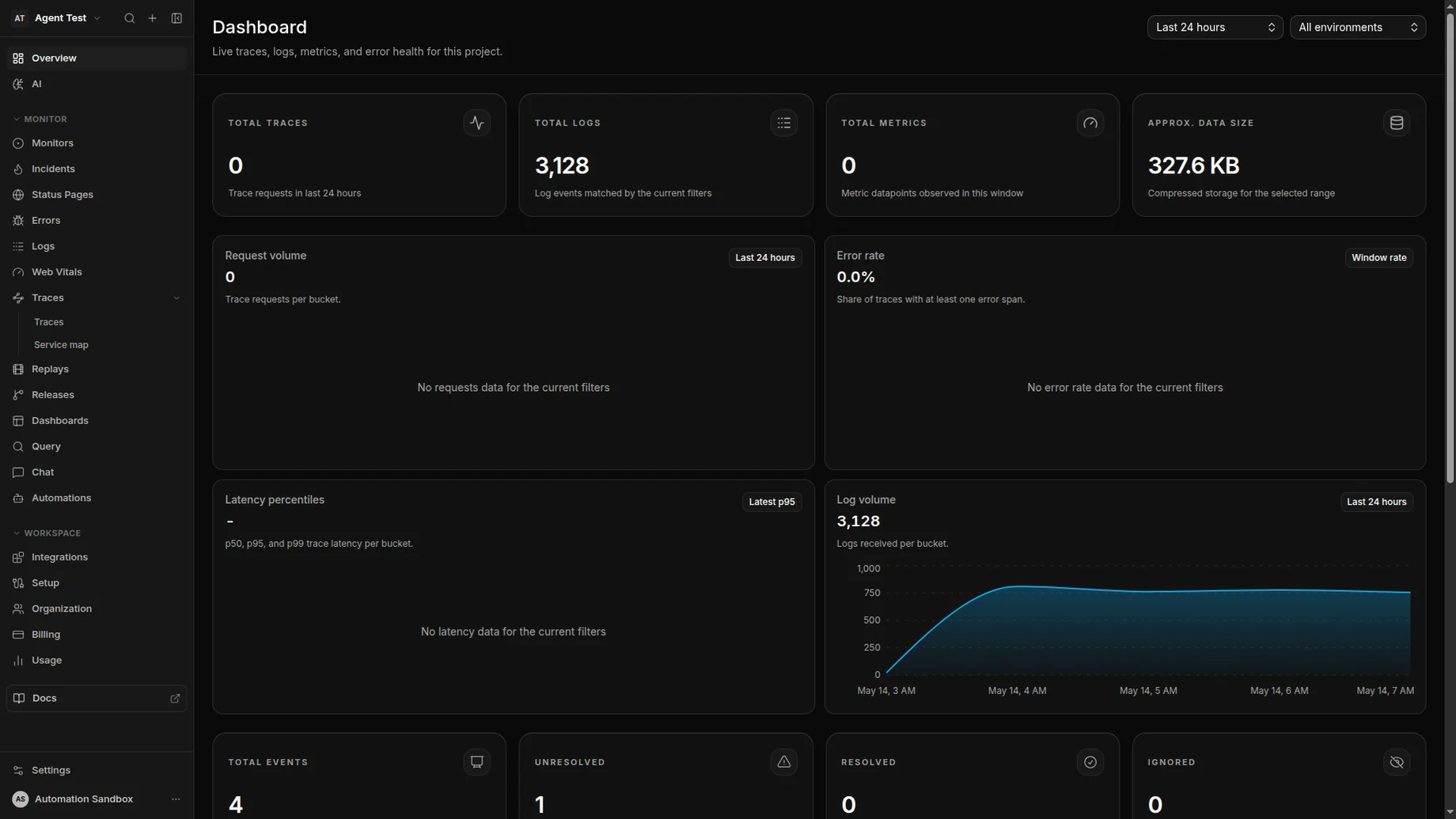
AI triage linked the exception to checkout logs, a session replay, a trace span, and the release that changed the failing path.
Problem
Errors rarely arrive with all the evidence attached.
An exception can start in one SDK, the root cause can live in logs, and the proof can sit in replay or traces. Squasher keeps those signals together for responders.
Errors
Capture exceptions, stack traces, releases, ownership, and affected projects.
Logs
Pull nearby log lines into the same incident view instead of opening another tool.
Replay
Review the customer session around frontend failures when reproduction steps are thin.
Traces
Follow backend requests and OpenTelemetry spans that share the same failure window.
Workflow
From first error to reviewed fix path.
Squasher turns raw failure events into grouped, owned, explainable work without pretending the AI is the final reviewer.
Capture errors from SDKs, log drains, and OTLP pipelines.
Correlate logs, traces, replay, releases, and affected customers.
Group repeated failures without hiding release regressions.
Summarize impact, likely cause, and owner for responders.
Suggest concrete next steps while keeping engineers in review.
Setup
Choose the ingestion path that matches your stack.
Start with SDKs for application context, log drains for platform coverage, or OpenTelemetry when telemetry already flows through OTLP.
SDK ingestion
Use browser, Next.js, Node, or backend SDKs when you want first-party context, release metadata, and source-linked stack traces.
Log drains
Forward platform logs from services such as Vercel, Cloudflare, Railway, and cloud logging providers into the same triage flow.
OTLP and OpenTelemetry
Send spans and structured telemetry through OpenTelemetry when you already operate a collector or vendor-neutral pipeline.
Use cases
Built for the failures product teams actually triage.
Use Squasher when error tracking needs to explain customer impact, release context, and the next response step instead of stopping at a stack trace.
Frontend errors with session replay and browser context.
Backend exceptions with request logs and traces.
Release regressions where a deploy changed failure rate.
Noisy logs that need grouping before they become incidents.
Customer-impacting incidents that need fast ownership and status.
Comparison
Squasher versus error tracking, log-only tools, and observability suites.
| Category | Strength | Common gap | Squasher approach |
|---|---|---|---|
| Plain error tracking | Great at exceptions and stack traces. | Often leaves logs, replay, traces, and incident context in separate products. | Connects every issue to the surrounding telemetry and AI triage summary. |
| Log-only tools | Useful for search, filters, and infrastructure signals. | Teams still need to identify the user-facing error and group duplicates. | Starts from the error, then brings logs into the failure timeline. |
| Broad observability suites | Deep coverage for metrics, traces, dashboards, and infra teams. | Buying and operating the full stack can be heavy for product teams. | Focuses on application errors, logs, replay, traces, and responder workflow. |
FAQ
Answers for teams comparing error monitoring tools.
Short, public-safe answers for common evaluation questions around error tracking, logging, APM, AI triage, and privacy.
- What is error monitoring?
- Error monitoring captures application exceptions, groups repeated failures, tracks impact, and helps teams decide which fixes matter first.
- How is error monitoring different from logging?
- Logs explain surrounding system behavior. Error monitoring starts from the exception and connects logs, traces, replay, releases, and ownership around that failure.
- Is error tracking the same as APM?
- Error tracking focuses on failures that break user flows or services. APM is broader performance monitoring, so the best workflows connect both instead of treating them as substitutes.
- How does Squasher use AI triage?
- Squasher summarizes related telemetry, likely impact, affected surfaces, and next steps so an engineer can verify the cause instead of manually stitching context together.
- How does Squasher handle privacy?
- Teams can route telemetry through SDKs, log drains, or OpenTelemetry pipelines and keep sensitive data handling in their existing instrumentation and retention controls.