
Error monitoring, logs, replay, and AI triage together.
Squasher is a Sentry alternative for teams that want grouped errors, platform logs, session replay, OpenTelemetry context, and AI triage in one incident workflow.
- 01Scope
- 02Compare
- 03Test
- 04Decide
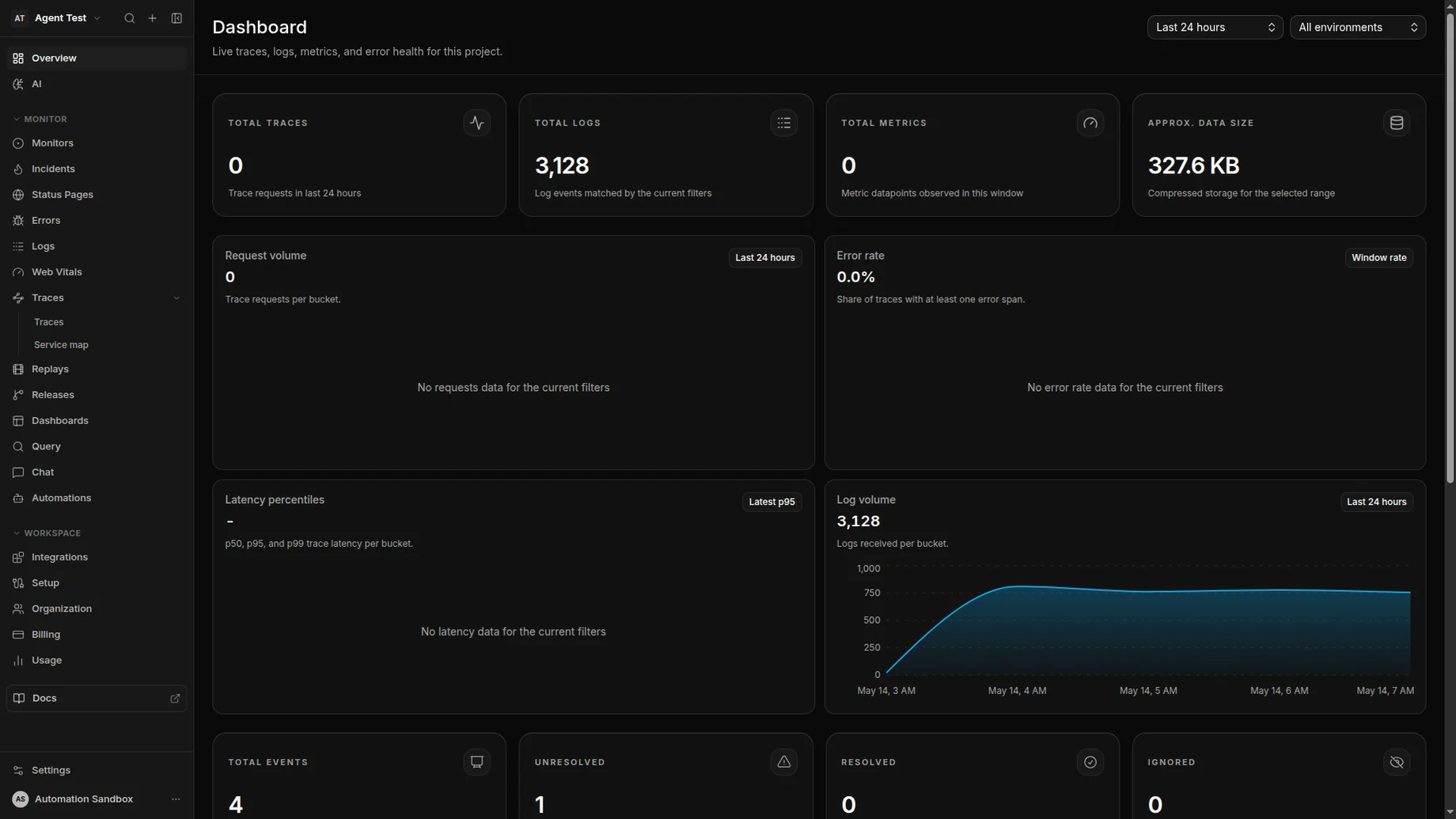
AI triage linked the exception to checkout logs, a session replay, a trace span, and the release that changed the failing path.
Best fit
A fair Sentry alternative starts with fit, not a takedown.
Sentry is strong error monitoring software. Squasher is a better fit when teams are consolidating the evidence around production failures.
Choose Squasher when error monitoring needs logs, replay, OpenTelemetry, Vercel drains, and AI triage in the same incident record.
Keep Sentry when your organization is already standardized on Sentry-specific workflows or depends on features outside Squasher's focused debugging surface.
Run both during migration when source maps, alert routing, ownership, and error grouping need parity checks before the cutover.
Comparison matrix
Sentry versus Squasher for incident debugging.
| Category | Sentry fit | Squasher fit |
|---|---|---|
| Error monitoring | Mature issue workflow, SDK ecosystem, alerts, releases, and source maps. | Sentry-compatible ingestion plus AI triage, owners, logs, replay, and release context. |
| Logs | Useful when logs are already part of the team's Sentry setup. | Built around SDK logs, platform drains, OpenTelemetry logs, and incident timelines. |
| Session replay | Strong fit for teams already using Sentry replay. | Replay evidence sits beside grouped errors, logs, releases, and AI summaries. |
| OpenTelemetry and drains | Best when your team wants to stay inside the Sentry ecosystem. | Designed for SDK ingestion, OTLP, Vercel drains, and cloud logs in one project. |
| AI triage | Evaluate based on your Sentry plan and the workflows your team has enabled. | AI triage is part of the core incident debugging workflow on every plan. |
| Pricing clarity | Good fit when your team already understands its Sentry event and feature usage. | Simple plan comparison for teams consolidating error, log, replay, and AI workflows. |
Migration
Move from Sentry concepts without rewriting instrumentation.
Start with a single DSN change, then verify the incident context engineers actually use before moving alerting and ownership.
Inventory Sentry usage
List SDKs, environments, releases, source map uploads, alert rules, and dashboards that must have a Squasher equivalent.
Switch one DSN
Keep the Sentry SDK installed and point a low-risk service or preview environment at the Squasher-compatible DSN.
Verify parity
Compare captured exceptions, grouping, source maps, user context, breadcrumbs, and release attribution.
Add missing context
Connect logs, Vercel drains, OpenTelemetry, and session replay where Sentry events alone do not explain the incident.
Move responders
Update alert routing, ownership, and incident workflows only after engineers trust the Squasher event timeline.
sentry-dsn-migration.ts
import * as Sentry from "@sentry/node";

Sentry.init({
  dsn: "https://sq_pk_your_key@ingest.squasher.ai/your-project-id",
  environment: "production",
  release: "web@2026.05.06",
});Use cases
Where teams evaluate Squasher as a Sentry alternative.
The strongest use cases are the ones where an error event is not enough by itself to explain the production failure.
Frontend apps
Browser errors need source maps, session replay, user context, and console breadcrumbs.
Next.js apps
Server and browser errors need one release, one owner, and logs from Vercel or Node.
Backend services
Exceptions should land with request logs, trace context, deploy data, and rollback clues.
Vercel deployments
Platform logs and function failures should connect to grouped application errors.
OpenTelemetry pipelines
OTLP logs and traces should enrich error groups instead of becoming a separate search task.
FAQ
Answers for teams comparing Sentry alternatives.
Short answers around SDK compatibility, migration risk, source maps, privacy, pricing, and when Sentry may still be the right call.
- Is Squasher a drop-in Sentry alternative?
- For error ingestion, Squasher can receive events from Sentry SDKs by changing the DSN. Teams should still validate grouping, source maps, alerts, and dashboards before fully switching.
- When should we keep Sentry?
- Sentry may still be the better fit when your team is deeply standardized on Sentry workflows, organization policy, or Sentry-specific performance monitoring.
- Why choose Squasher instead?
- Squasher is strongest when errors need to stay connected to logs, session replay, OpenTelemetry, Vercel drains, ownership, and AI triage in one debugging workflow.
- Do we need to remove Sentry SDKs?
- No. The migration path starts by keeping the Sentry SDK installed and changing its DSN to a Squasher-compatible endpoint.
- What about source maps?
- Upload source maps to Squasher for the same release names you send from the SDK so minified browser stack traces resolve during triage.
- Can we run both during migration?
- Yes. Teams evaluating Sentry alternatives can run Squasher beside Sentry long enough to compare error groups, release coverage, source maps, and alert routing before changing the default workflow.